
ExperienceIQ

You decide what content is appropriate. And how much.
ExperienceIQ allows you to set the rules for sites like YouTube, TikTok and games like Roblox and Minecraft. From managing screen time to monitoring websites and every app used across all your family’s connected devices, this is managing your network made simple. Manage all your family’s devices and content access from the CommandIQ app. You can customize what is appropriate to keep your family safe online.
ExperienceIQ is included with Prime, Elite & Apex Internet service; Add to Essential for $5/month.
ExperienceIQ: Control Features
WiFi devices at home: game systems, smart TVs, phones, computers, tablets
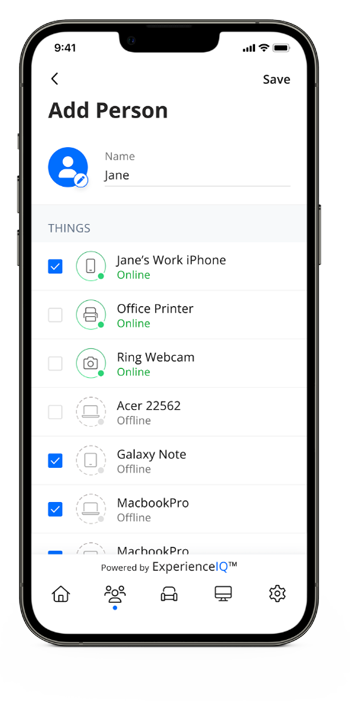
Custom settings by family member
Screen time limits
Usage and history
Safe search
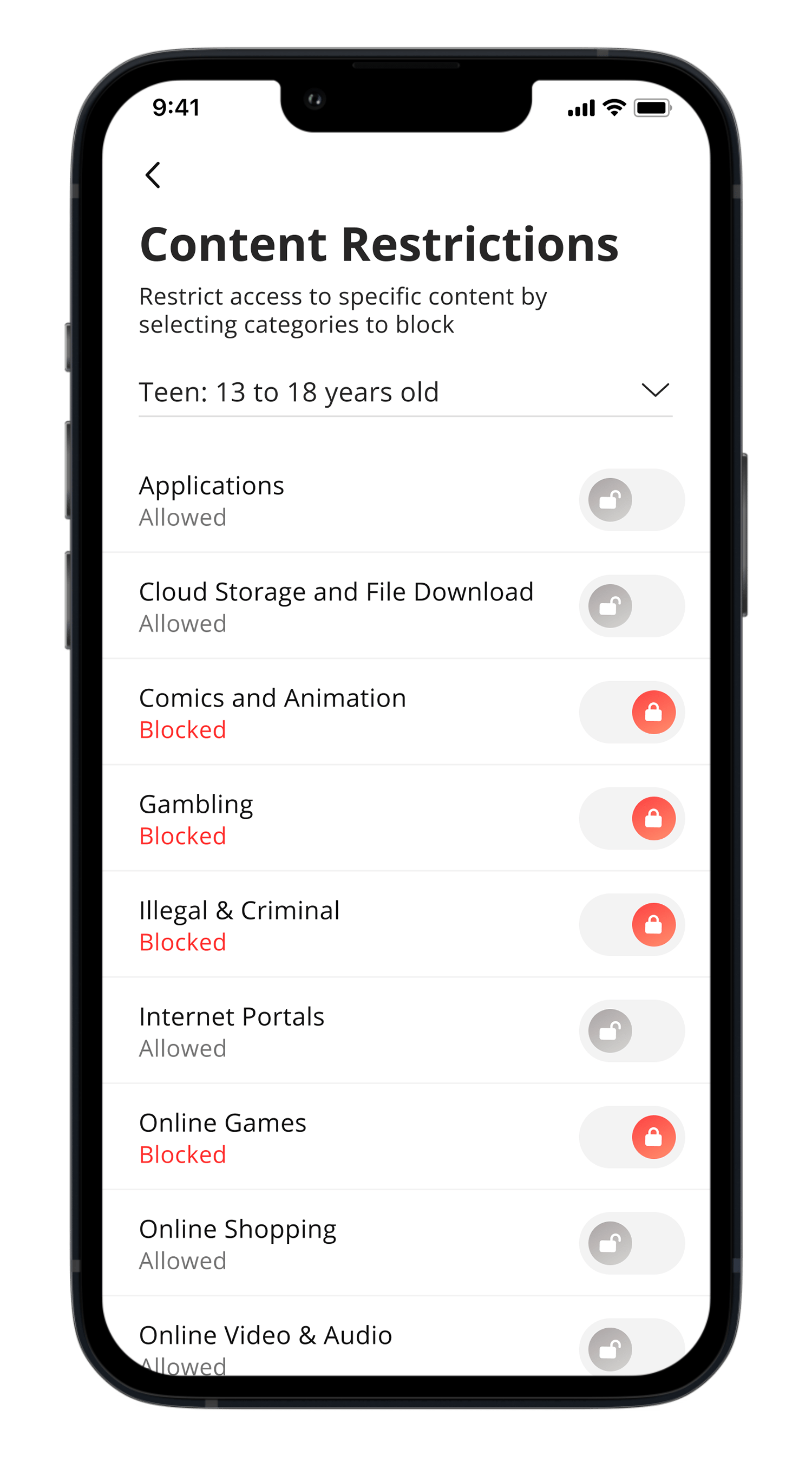
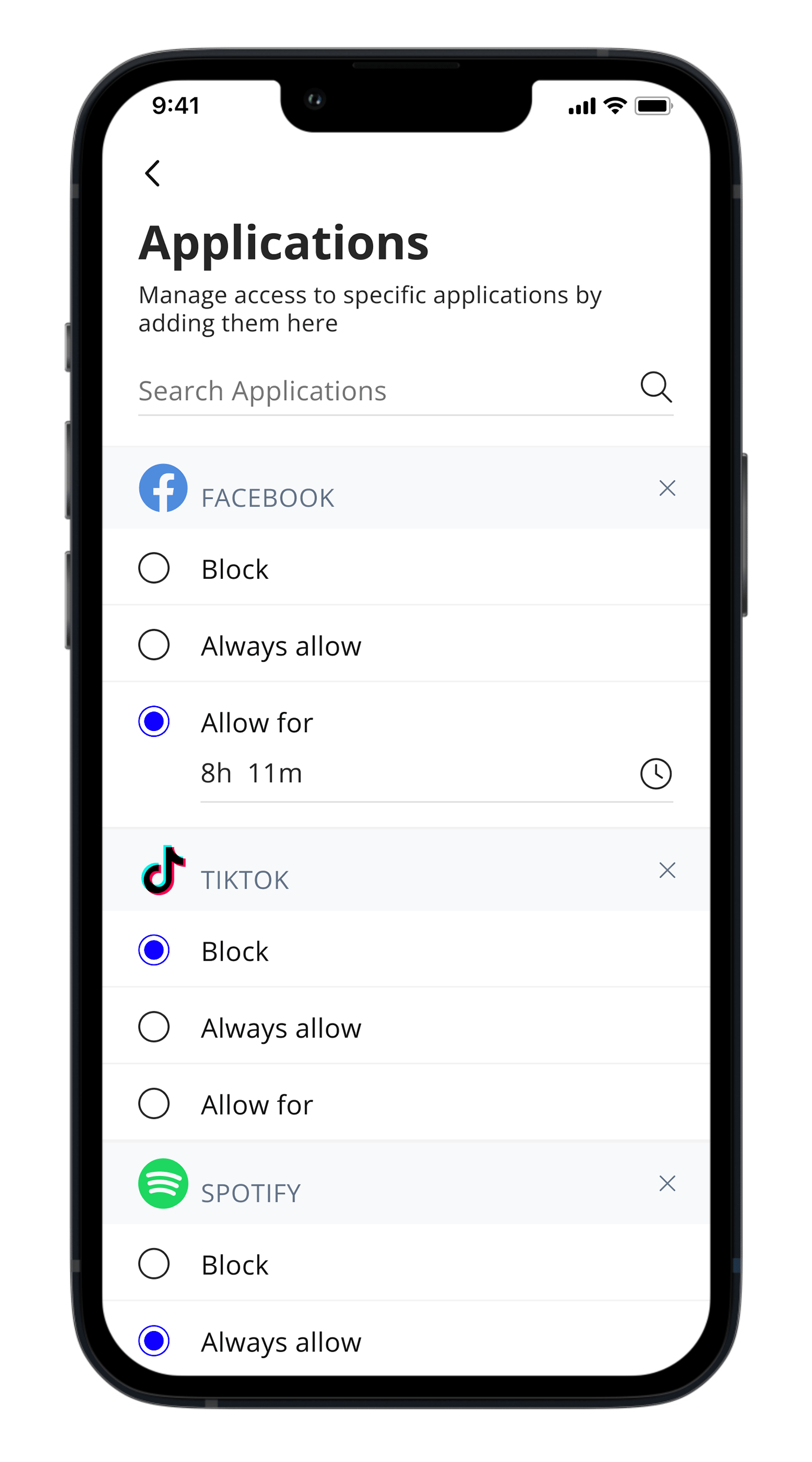
Content filtering
Preset off times
Pause
Bedtimes
Device and activity priorities
Prioritize traffic by activity
Keep video calls from dropping or movies from buffering with activity prioritization.
Optimize bandwidth by device
Keep low priority devices or network hogs from consuming your bandwidth by prioritizing the most important devices over all the rest.
Set priority schedules
Set work time, school time or movie time schedules to create uninterrupted WiFi connectivity for those activity and devices.
Create People Profiles
Use profiles to assign devices specific to family members and easily pause the internet or create offline schedules.
Filter
Block entire internet categories, apps, and websites.
Safe Search
Remove inappropriate and explicit content for users search results.